
Click fraud
Click Fraud Detection: How to Recognize and Evidence Suspicious Clicks
Suspicious clicks are easy to suspect and hard to prove. Learn to compare traffic with baselines, rule out ordinary causes and document a case Google can review.
A single odd visit proves very little. Learn to examine individual paid sessions, separate real warning signs from harmless quirks and decide when to escalate.
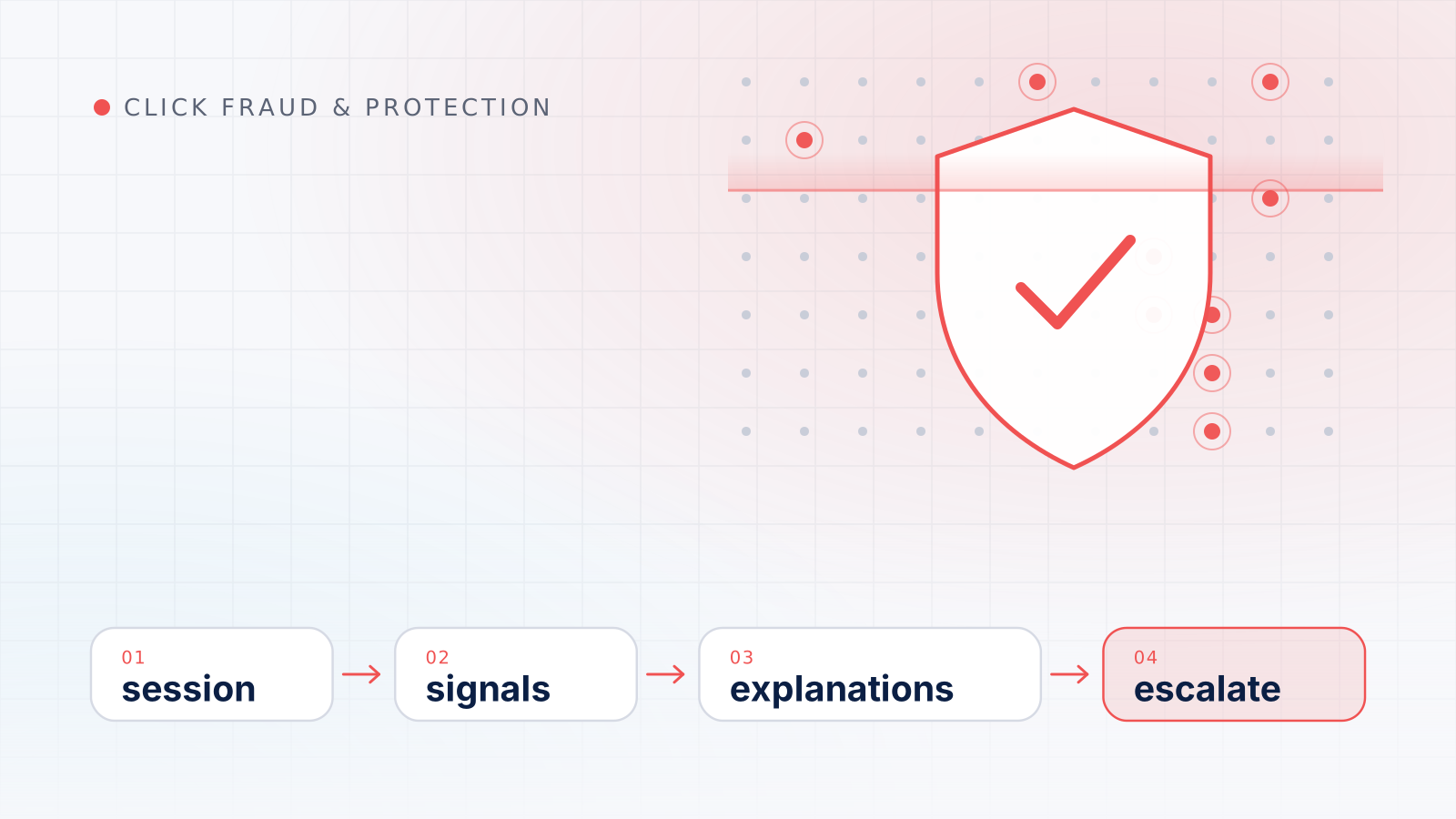
A suspicious ad session is a single visit from a paid click whose timing, behavior or technical details don’t fit how genuine prospects usually arrive and act. On its own, one odd visit proves very little; suspicious ad sessions become useful evidence only when they are checked against several independent signals and the common harmless explanations have been ruled out.
This guide explains what a session actually is in analytics, what a suspicious ad session looks like, how analytics and server logs show different parts of the same visit, which false positives trip up most investigations, how to record evidence without creating a privacy problem, and when to escalate.
In Google Analytics 4, a session is a period of time during which a user interacts with your website or app. By default it ends after 30 minutes of user inactivity, and a new session begins when a page or screen is viewed while no session is active.
A click is a different thing: an event the ad platform records when someone clicks your ad. The two counts rarely match, and Google lists many reasons why clicks and sessions differ:
Our guide to how an ad click is tracked from ad to analytics walks through that journey in detail. The practical consequence for anyone who wants to investigate suspicious traffic: some odd-looking sessions belong to clicks Google has already discarded and never billed.
Look at each session through five lenses. One unusual value is common; several unusual values in the same session, repeated across many sessions, are what make a pattern.
| Element | Typical genuine pattern | Pattern worth a closer look | Caution |
|---|---|---|---|
| Timing | Spread across your usual active hours | Many paid sessions bunched within minutes, often at odd hours | Ads and analytics may use different time zones |
| Landing page and path | Arrives on the ad’s landing page and moves to relevant pages | Lands and never interacts; the same URL hit again and again | Single-page sites naturally have short paths |
| Engagement | Scrolls, clicks, reads, sometimes converts | No engagement at all across a whole cluster of sessions | Measurement gaps can hide real engagement |
| Repeat visits | Occasional returns over days, often via other channels | Rapid repeated arrivals from the same network and device profile | Shared networks and comparison shoppers |
| Technology values | Browser, device and language mix similar to other traffic | Outdated browser versions, rare screen sizes, language at odds with location | Older and corporate devices are real too |
Timing is the easiest signal to see and the easiest to misread. A cluster of paid sessions at 3 a.m. looks odd until you remember that your audience includes night-shift workers, or that the analytics property and the ad account use different time zones. Combine timing with landing behavior: sessions that arrive in a tight burst, all on the same landing page, and all leave without a single interaction are more interesting than any one of those facts alone.
Google Analytics 4 treats a session as engaged if it lasts longer than 10 seconds, has a key event, or has two or more page or screen views. A cluster of paid sessions that never meet any of those conditions deserves a look. Be careful, though: Google itself cautions that a zero-second visit doesn’t always mean the visitor left immediately, because many analytics tools need a second interaction to record visit duration.
Repeated arrivals from what appears to be the same visitor can mean a keen prospect comparing options, or something less innocent. Technology values, such as browser version, operating system, screen resolution and language, help separate the two when they are wildly inconsistent with the rest of your audience. No single value is decisive; the question is whether a group of sessions shares an unusual combination that your ordinary visitors don’t.
Analytics and server logs are two records of the same visit, and they disagree for good reasons.
Analytics depends on a script running in the visitor’s browser and applies its own filtering. GA4 automatically excludes traffic from known bots and spiders, identified through a combination of Google research and the International Spiders and Bots List, and you can neither turn that exclusion off nor see how much was removed. Analytics also misses visitors whose browsers block scripts and visitors who leave before the tag fires. Consent choices matter as well: under Google’s consent mode, when a visitor denies consent in a basic implementation, Google tags are completely blocked from firing, while an advanced implementation sends cookieless pings instead of storing cookies.
Server logs record requests that reach your server whether or not any script ran. They typically include a timestamp, the requested URL (with any click identifier in the query string), the reported browser string and the connecting IP address. They also capture traffic analytics never sees, such as crawlers, uptime monitors and pages loaded in advance by browsers.
| Question | Analytics | Server logs |
|---|---|---|
| Did the visitor interact with the page? | Yes, through events | Only indirectly, through later requests |
| Did a click identifier arrive? | If the tag ran and the parameter survived | Yes, if it was in the requested URL |
| Where did the visit come from? | Approximate location | IP address and reported browser string |
| Are known bots included? | No, excluded automatically | Yes |
| Are script-blocking visitors included? | No | Yes |
Neither view is complete, which is why the strongest evidence appears in both. For techniques that separate human from non-human visits across these sources, see our guide to spotting bot traffic in analytics and server logs.
Most sessions that look suspicious at first glance turn out to be ordinary. These are the explanations to rule out before going further.
If a pattern survives those checks, record it in a way that is useful, accurate and respectful of privacy.
Capture, for each session or cluster:
IP addresses and device details need care. The UK’s data protection regulator, the ICO, notes that the UK GDPR specifically includes “online identifiers” in its definition of personal data and lists internet protocol (IP) addresses among the examples. Other jurisdictions have their own rules. As a working practice, collect only what the investigation needs, restrict access, set a retention period, avoid posting raw logs in public forums, and take qualified advice if you are unsure of your obligations. This guide is not legal advice.
Keep your notes factual. Describe what the data shows, not who you think is behind it.
Escalate when a pattern repeats across many sessions, persists beyond a single day, is concentrated in paid traffic rather than spread across channels, and cannot be explained by settings, measurement or market events. At that point, move from single sessions to the campaign view with a structured click fraud detection process, which covers baselines and evidence. If the problem is a broad, sudden change in results rather than a cluster of unusual ad sessions, start with a systematic Google Ads performance diagnosis instead.
Before contacting Google, check whether the clicks were already filtered: the Invalid clicks column and later billing adjustments are explained in our guide to Google’s invalid click reporting and credits, and our overview of how Google Ads counts clicks explains why reported clicks and your sessions will never match exactly. If billed clicks still look wrong, Google’s Click Quality Form accepts investigation requests for activity within the last 60 days and asks for web server logs with IP addresses, device details and click identifiers, which is exactly what careful session records give you.
Keep reading
Click fraud
Suspicious clicks are easy to suspect and hard to prove. Learn to compare traffic with baselines, rule out ordinary causes and document a case Google can review.
Ads clickers
A practical method for spotting non-human sessions: built-in filtering, analytics anomalies, server-log evidence, crawler verification and the limits of each signal.
Click fraud
When results change suddenly, the order of your checks matters. This diagnostic sequence rules out tracking, account changes and market shifts before blaming fraud.