
Click fraud
Google Ads Performance Investigation: A Step-by-Step Diagnostic Order
When results change suddenly, the order of your checks matters. This diagnostic sequence rules out tracking, account changes and market shifts before blaming fraud.
Most wasted spend in Google Ads comes from settings, search terms and tracking rather than fraud. Here is how to find it, check it and decide what to fix first.
Google Ads budget waste is spend on clicks that had little realistic chance of producing value and that a setting, keyword or process you control could have prevented. Most of it comes from structural causes such as loose keyword matching, broad location and network settings, unreviewed automation and broken conversion tracking, not from fraud.
This guide separates real waste from the normal cost of learning, walks through the structural causes and how to check each one, and ends with a repeatable campaign budget analysis routine. It also puts invalid clicks in perspective.
A click that does not convert is not automatically wasted. Some clicks are research visits that convert later, on another device or by phone. Some belong to a deliberate test of a new keyword or audience. And every campaign has a baseline of non-converting traffic even when it is configured well, because not every interested person is ready to buy today. Our explainer on how Google Ads counts and charges for clicks covers what a billed click represents.
A more useful working definition is that spend is wasted when it is both predictably unlikely to produce value and avoidable through a change you could reasonably make. That gives three categories:
| Category | Example | Typical action |
|---|---|---|
| Avoidable waste | Clicks on searches for jobs, free versions or products you don’t sell | Exclude, restructure or tighten settings |
| Cost of learning | A new keyword theme that hasn’t had enough clicks to judge | Give it a test budget and a decision date |
| Normal friction | Interested visitors who compare options and leave | Accept it, or improve the offer and landing page |
Two cautions before cutting anything. First, judge zero-conversion spend over a window long enough for conversions to arrive; buyers often take days to act, so the most recent days usually look worse than they will end up. Our guide to common reporting mistakes explains conversion lag in detail. Second, confirm that conversion tracking works before deciding that a campaign “never converts.”
Also keep waste separate from inefficiency. A keyword whose cost per conversion is double your target is not waste if the conversions are real; it is a bidding, pricing or margin question, and measuring cost per click correctly is the place to start.
In Search campaigns, a frequent source of wasted ad spend is the gap between the keywords you chose and the searches that actually trigger your ads.
Google describes broad match as the default match type assigned to keywords and says ads using it may show on searches related to the keyword, including searches that don’t contain its direct meaning. The same page says Smart Bidding works best with broad match because the wider set of searches lets it learn. That combination can perform well, but an account with broad keywords and few negative keywords can also buy a lot of traffic far from its intent.
How to check it:
As an illustration, imagine a campaign spending $3,000 a month for a commercial cleaning company. Its search terms report shows $450 on searches containing “jobs,” “salary” or “part time,” and another $150 on “how to clean” queries. That is $600, or 20% of the month’s spend, on searches that will almost never produce a client. A handful of negative keywords removes most of it without touching the terms that work.
Three settings, often chosen once at launch and never revisited, have an outsized effect on budget.
Location option. Google’s default location option, Presence or interest, reaches people who are likely to be in or regularly in your targeted locations, plus people who have shown interest in them, for example through their searches or the content they view. The alternative, Presence, limits ads to people likely to be located, or regularly located, in those areas. For a business that can only serve local customers, such as a clinic or a plumber, interest-based reach can produce clicks from people who will never become customers. For a tour operator or event venue it may be exactly right. Our guide to Google Ads location targeting covers the options, exclusions and location reports in depth.
Networks. Search campaigns can reach beyond Google Search. Check whether Google search partners are included and whether Display Expansion is on. Google describes Display Expansion as a way to reach people on the Google Display Network using a Search campaign’s settings. It also says the feature is moving to a channel prioritization model: starting in February 2027, Search campaigns with Display Expansion transition automatically, and advertisers may see spend shift between Google Search, Search partners and the Google Display Network.
Placements. For any campaign that serves on Display or video inventory, review where ads appeared and exclude placements that send traffic with no engagement.
How to check: compare cost per real conversion and lead quality by network wherever your reporting allows, not click-through rate. Don’t switch extra networks off by reflex; for some accounts they add cheap, legitimate volume. A segment-by-segment review of ad traffic quality helps you decide deliberately.
Google lets advertisers apply recommendations automatically. The recommendation types that can be auto-applied include keyword changes such as “Add broad match keywords” and “Add keywords,” and bidding changes such as adjusting CPA or ROAS targets. Google says the feature can be turned on or off at any time, and that applied recommendations can be reviewed on the History tab and on the Change History page.
Some recommendations are useful. The risk is that changes happen without anyone weighing them against your margins or capacity, so spend drifts quietly. How to check:
The same logic applies to highly automated campaign types, where Google’s systems choose more of the queries, placements and channels. Automation is not waste in itself, but your job shifts to supplying good inputs (accurate conversion data, sensible exclusions) and auditing the outputs (search terms and placement reports wherever they are available).
When a campaign bids for conversions, the conversion data decides where the budget goes. In Google Ads, primary conversion actions are reported in the Conversions column and used for bidding, while secondary actions are for observation only. Google warns that misconfiguring these settings can prevent Smart Bidding from optimizing effectively.
The common failure modes:
How to check: confirm that each primary conversion action represents real business value, submit a test conversion yourself, and compare Google Ads conversions with your CRM or back-end records for the same period. If the numbers diverge suddenly, treat it as an incident and follow a structured performance investigation before changing bids.
An average daily budget is not a hard daily cap. According to Google’s page on spending limits, for most campaigns the daily spending limit is twice the average daily budget and the monthly spending limit is 30.4 times it. Served costs might exceed those limits, but Google says you won’t pay more than them and will cover the difference.
Spending more on a busy day is not waste in itself, because the monthly limit still applies. Where it causes trouble is in planning, especially with ad schedules. Google says that a campaign using ad scheduling keeps a monthly spending limit of 30.4 times its average daily budget and paces toward that full limit regardless of how many days it is scheduled to run, while spend on any active day still stays within twice the daily budget.
As a hypothetical example, take a campaign with a $50 average daily budget that runs on weekdays only, about 22 days a month:
| Figure | Calculation | Result |
|---|---|---|
| What the owner expects | 22 days × $50 | $1,100 |
| Monthly spending limit | 30.4 × $50 | $1,520 |
| Most it could serve on 22 active days | 22 × $100 | $2,200, so the $1,520 limit applies |
Spend can approach $1,520, about $420 more than planned. That is within Google’s rules, but it is spend nobody budgeted for. The fix is to derive the daily budget from the monthly plan: $1,100 ÷ 30.4 is about $36 a day.
Two related checks:
Every setting above can be right and the money can still leak at the landing page: forms that fail on some browsers, pages that load slowly on mobile, products that are out of stock, or ads that promise one thing while the page shows another.
How to check:
A monthly campaign budget analysis keeps waste from accumulating. One workable sequence:
| Symptom | Likely structural cause | Where to look first |
|---|---|---|
| Rising cost, flat conversions | New broad keywords or loosened matching | Search terms report, applied recommendations |
| Clicks from areas you don’t serve | Location option or missing exclusions | Location settings and reports |
| Many cheap clicks with no engagement | Display or partner traffic | Network and placement breakdowns |
| Conversions up, revenue flat | Soft or duplicate conversion actions | Primary conversion actions, CRM comparison |
| Monthly spend above plan | Schedule pacing or mid-month budget changes | Spending limits, budget history |
Invalid clicks are real, and they are worth monitoring. Google defines invalid traffic as traffic that doesn’t represent genuine interest in your business. It says it uses automated filters, machine learning and manual reviews to detect it, that you aren’t charged for invalid traffic detected before billing, and that later detections lead to credits as billing adjustments. Google also notes that some invalid traffic takes longer to detect, so filtering is not perfect.
This is one reason invalid clicks are usually a smaller avoidable cost than structural waste. Structural waste consists of genuine clicks from real people matched by your own settings, so no filter removes it and you pay for all of it. Fixing structure first is usually the more productive starting point, and it makes genuine anomalies easier to see. If a pattern remains afterwards, such as clicks rising without a matching change in impressions or settings, read our guide to how Google identifies and credits invalid clicks and examine the evidence before drawing conclusions.
Keep reading
Click fraud
When results change suddenly, the order of your checks matters. This diagnostic sequence rules out tracking, account changes and market shifts before blaming fraud.
Google Ads
Location settings decide who can see and click your ads. Learn how Google estimates location, why out-of-area clicks happen and how to set targeting on purpose.
Measurement
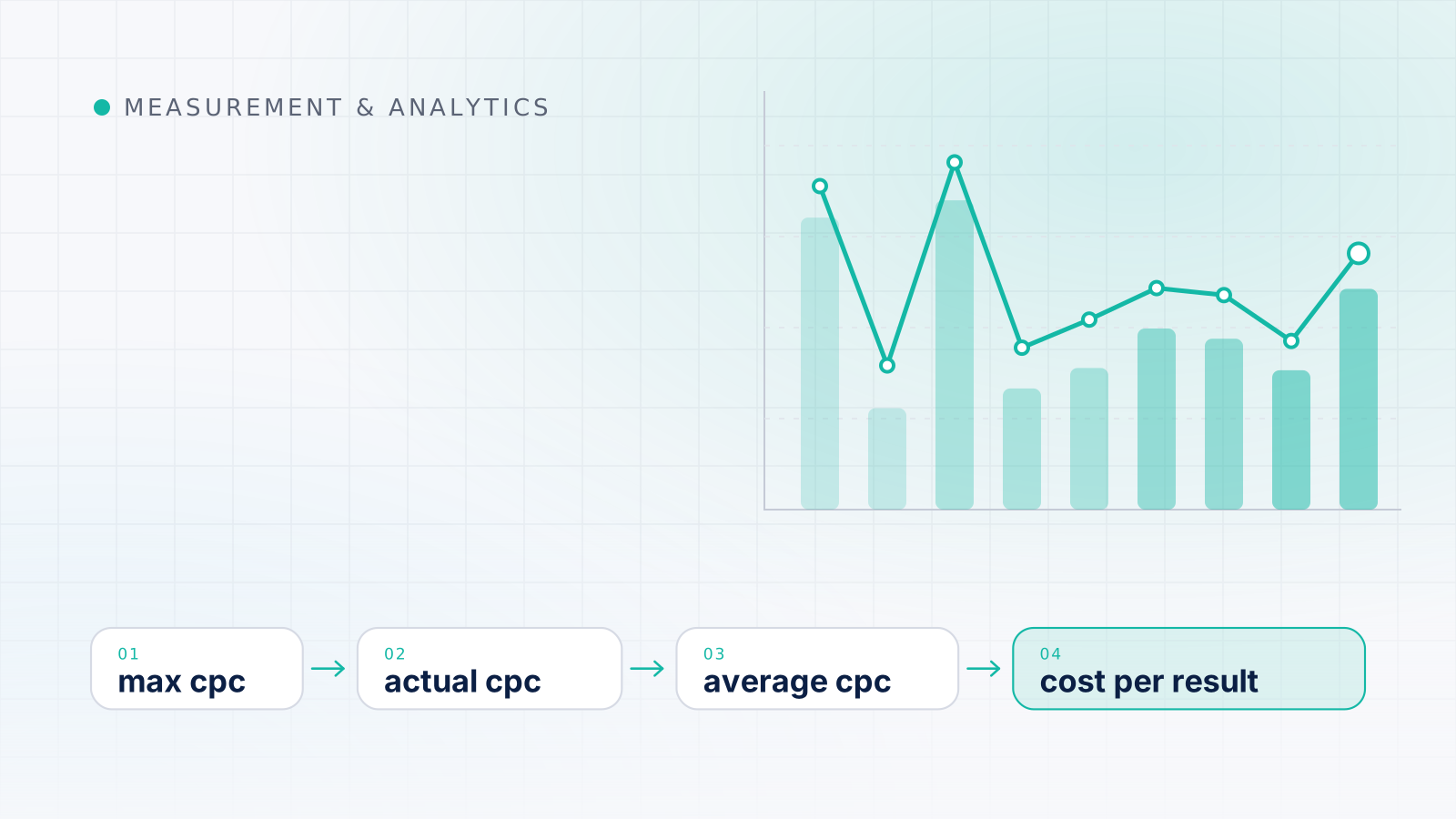
Average CPC blends many separate auction prices. See what sets each price, why the blend shifts even when prices don't, and how to judge CPC against results.