
Google Ads
Google Ads Invalid Clicks: How Google Filters, Reports and Credits Them
Google filters most invalid activity before you pay. Here are the definitions, the reporting columns, the credit process and what Google will and will not tell you.
The phrase covers everything from click bots to worried advertisers. Here is how a click is really recorded, filtered and charged, and how to audit your own traffic.
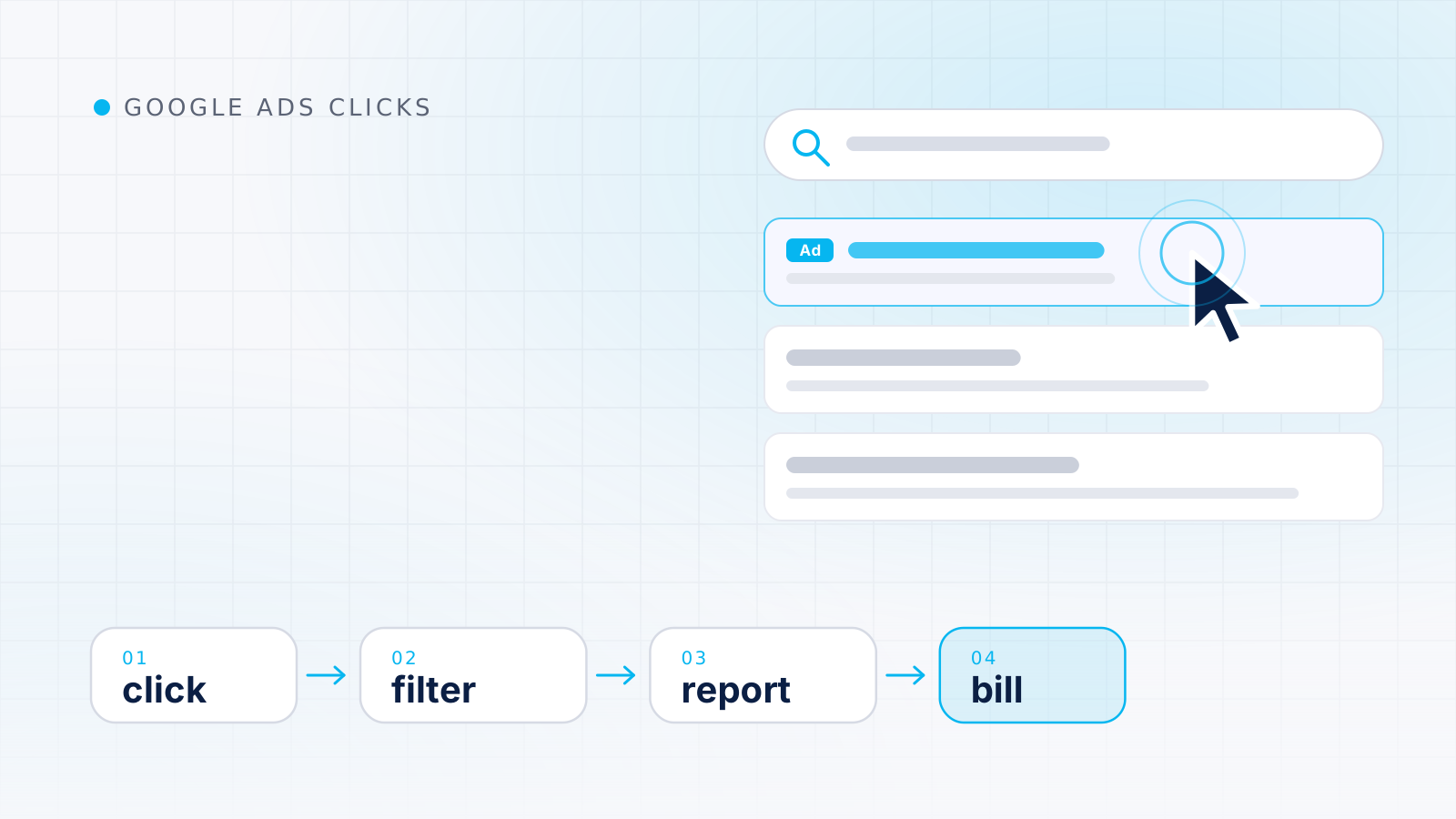
A “Google Ads clicker” usually means one of two things: software or a person that clicks Google ads without any real interest, or, more loosely, the way Google Ads records the clicks an advertiser pays for. The first is a form of invalid activity that Google works to remove from reports and bills, so for nearly everyone who searches the phrase, the useful question is how Google Ads clicks are counted, filtered and charged.
This guide sorts out the different intentions behind the search, then explains what Google Ads counts as a click for different ad formats, how cost and reporting delays work, and how invalid clicks are removed before billing or credited afterward. It ends with a step-by-step method for reviewing your own campaign’s traffic against your analytics and server logs.
If you came here for the general meaning of the term outside Google Ads, start with our explainer on what an ads clicker is and the contexts it is used in.
The phrase is ambiguous, and the right answer depends on why you typed it. Most searches fall into one of four groups.
| What the searcher wants | What it really involves | Where to go next |
|---|---|---|
| A tool or service that clicks Google ads automatically | Artificial activity that Google classifies as invalid traffic | Our conceptual explanation of why click bots fail and are prohibited |
| To understand how clicks are counted | Reporting rules, cost, delays and filtering | The rest of this guide |
| Reassurance that nobody is draining their budget | Deliberate abuse, its signs and how to report it | Our guide to click fraud on Google Ads |
| To check their own ad without paying for clicks | A preview tool built for exactly that purpose | The next section |
The first group deserves a direct answer. Google describes invalid traffic as traffic that “doesn’t represent genuine interest in your business”, and the first example it lists is non-human traffic from bots and automated software that generate clicks and impressions to mimic how humans browse (About invalid traffic). A product sold as a Google Ads clicker is built to create exactly the activity the system is designed to detect and discard. This publication explains such tools only at a conceptual level and does not recommend or describe any of them.
Many advertisers search for their own ads and click them to make sure everything works. That habit adds impressions and clicks that say nothing about real customers. Google points advertisers to the Ad preview and diagnosis tool instead, explaining that it “avoids accumulating ad impressions and impacting your performance statistics” and that using it is preferable to running a Google search yourself (About the Ad preview and diagnosis tool). In the current interface it is found under Tools, in the Troubleshooting menu.
The tool also helps you understand why an ad or asset might not be appearing. It has limits that Google spells out on the same page: it may not reflect all campaign activity, a preview can disappear once a campaign reaches its average daily budget, and paused or disabled ad groups are not shown. If you want to check the landing page, open the final URL directly in your browser rather than reaching it through a paid click.
Google’s glossary definition is short: “When someone clicks your ad, like on the blue headline or phone number of a text ad, Google Ads counts that as a click” (Click: Definition). Two details on that page explain many reporting surprises. First, “a click is counted even if the person doesn’t reach your website, maybe because it’s temporarily unavailable.” Second, Google Ads automatically filters out invalid clicks, such as accidental clicks and clicks from automated tools, and you are not charged for them.
The Clicks column is therefore a count of clicks that passed Google’s filters. It is not a count of visits to your website, which is why it rarely matches your analytics.
Not every format has a click as its main action. Google defines an interaction as “the main user action associated with an ad format”, giving the examples “clicks and swipes for text and Shopping ads, views for video ads, calls for call assets, and so on” (Interactions: Definition). When you compare campaigns of different types, the Interactions column is usually a fairer basis than Clicks alone, because a video campaign and a Search campaign are optimized for different actions.
There are format-specific rules too. For YouTube on TV screens, Google says the clicks reported are for actions taken on the TV call-to-action button, not for actions on follow-up notifications (Click: Definition).
A single ad can contain several clickable elements. The Click type segment shows “clicks on which elements of the ads resulted in visits to your website”, with values such as Headline, Sitelink, Mobile Clicks-to-Call, Lead form, Price asset, Promotion asset, Driving Directions and several Shopping and app types (Use segments in your tables). Google adds two cautions on the same page: click type may apply to multiple aspects of the same impression, and segmenting by click type may not be compatible with all metrics, such as view metrics for video campaigns.
| Click type value | What it usually indicates | What to expect downstream |
|---|---|---|
| Headline | Interest in the offer as a whole | A landing-page session in most cases |
| Sitelink | Interest in a specific section of your site | A session on the sitelink’s page |
| Mobile Clicks-to-Call | Intent to phone you | Possibly a call, but no website session |
| Driving Directions | Intent to visit a physical location | A maps interaction rather than a site visit |
Reading clicks by element is a quick way to explain an apparent gap between clicks and sessions before you suspect anything worse.
Cost in Google Ads is the total charged for clicks that survived filtering, and dividing that cost by the number of clicks gives the average cost per click. How each individual click is priced in the auction, and why averages can mislead when you compare devices, networks or time periods, is covered in our guide to measuring cost per click correctly.
As an illustration, imagine a campaign that reports 200 clicks and $300 of cost for a week, an average CPC of $1.50. If another 20 clicks were identified as invalid before billing, they appear in neither figure. Google states that invalid traffic caught before the end of the billing cycle is automatically removed from billing and campaign reports (About invalid traffic), so those 20 clicks only show up in the dedicated invalid click columns.
Clicks are not reported instantly. Google says that in most cases account statistics such as clicks, impressions and cost are refreshed hourly. It also says it detects and removes invalid traffic, such as bot activity or accidental clicks, retroactively, so metrics “may occasionally be updated one or more days after an event occurs” (About data freshness). In practice, avoid judging today’s numbers in the middle of the day, and expect yesterday’s figures to shift slightly.
Google states that “your reports and statistics are affected by the time zone you select”, so reports segmented by time follow the account time zone. Time zone changes are no longer supported in standard serving accounts, and billing pages are shown only in Pacific Standard Time regardless of the account setting (About your Google Ads time zone setting). If your analytics property uses a different time zone, daily totals will never line up exactly, and the edges of a billing month can look different from the edges of a reporting month.
Google says it uses automated filters, machine learning and manual reviews to find invalid traffic, that a specialized Ad Traffic Quality team conducts manual investigations, and that it also analyzes traffic over longer periods to find more complex patterns (About invalid traffic). What happens to a given click depends on when it is identified:
You can watch the filtering itself in two places described on the same Google page: the Invalid clicks column, added to the campaigns table through the Columns icon, and the Invalid traffic card on the Overview page, which shows estimated savings and credited cost. Our dedicated guide to Google’s invalid click filtering, reporting columns and credits walks through each of these in detail, including how to request an investigation.
Note: A rising invalid click count means more activity was caught and not billed. On its own it is not evidence that you are paying for fraud.
Google does not publish the signals its filters use, and it says an investigation will not confirm whether specific clicks were marked valid or invalid (About invalid traffic). What advertisers can see are aggregate patterns. The table below describes those patterns at a high level, as an analyst would read them.
| Dimension | Typical of genuine customers | Worth a closer look |
|---|---|---|
| Timing | Follows the daily and weekly rhythm of your market | Bursts concentrated in a narrow window with no matching change in impressions or settings |
| Location | Mostly inside the targeted area, with explainable exceptions | Clicks from places you do not serve that your location settings do not explain |
| Network and placement | A spread similar to previous weeks | A sudden concentration on one placement, app or partner network |
| Device and technology | A mix that resembles your usual audience | An abrupt shift to one device type or unusual browser values |
| Behavior after the click | Page views, scrolling, some inquiries or sales | Many sessions with no interaction, or nonsense form submissions |
| Repetition | Occasional repeat visits from returning prospects | The same visitor clicking again and again in a short span |
None of these signals proves anything by itself. A television mention, a competitor leaving the auction, a broader match type or a new placement can all produce unusual patterns with entirely human causes. Turning a pattern into evidence takes baselines and documentation, which is the subject of our method for detecting click fraud with evidence.
Advertisers often compare Google Ads clicks with sessions in their analytics tool and assume the difference is fraud. Google lists many ordinary reasons for the gap (Clicks and Sessions Discrepancy for Google Ads and Google Analytics: Troubleshoot):
Beyond Google’s list, general measurement limits apply. Visitors who decline cookies on a consent banner may be missing from, or only modeled in, analytics reports depending on how measurement is configured. Ad blockers and privacy tools can stop tags from loading. A person who clicks on a phone and returns later on a laptop looks like two unrelated visitors unless they sign in. The journey of a click from the ad to your analytics, including the gclid parameter, is explained in our guide to how ad click tracking works.
The practical lesson is to expect a gap and to watch for changes in it. A difference that has been stable for months is a measurement fact; a gap that suddenly widens on one campaign is worth investigating.
The following routine works for any account size. It moves from settings and reports you control to evidence outside Google Ads.
gclid parameter, although a bookmarked or shared URL can carry an old one. Check whether suspicious requests cluster in time, repeat the same click identifier or share network origins, keeping in mind that many people can share one IP address on mobile networks and office connections.As a worked illustration, imagine a local plumbing campaign whose clicks jump from about 40 a day to 120 for three days while impressions barely move. Segmenting by network shows the extra clicks came from search partners, analytics shows almost no engagement on those sessions, and nothing in the change history explains it. That combination justifies a closer look and, if it persists, a documented report. If the same jump had arrived alongside a rise in impressions the day after match types were broadened, the more likely explanation would be the setting change, not abuse.
Keep reading
Google Ads
Google filters most invalid activity before you pay. Here are the definitions, the reporting columns, the credit process and what Google will and will not tell you.
Measurement
Average CPC blends many separate auction prices. See what sets each price, why the blend shifts even when prices don't, and how to judge CPC against results.
Measurement
Follow one ad click from the auction to your analytics report, see where identifiers are added or lost along the way, and use a checklist to keep tracking healthy.