
Click fraud
Suspicious Ad Sessions: How to Read Them Without Jumping to Conclusions
A single odd visit proves very little. Learn to examine individual paid sessions, separate real warning signs from harmless quirks and decide when to escalate.
Suspicious clicks are easy to suspect and hard to prove. Learn to compare traffic with baselines, rule out ordinary causes and document a case Google can review.
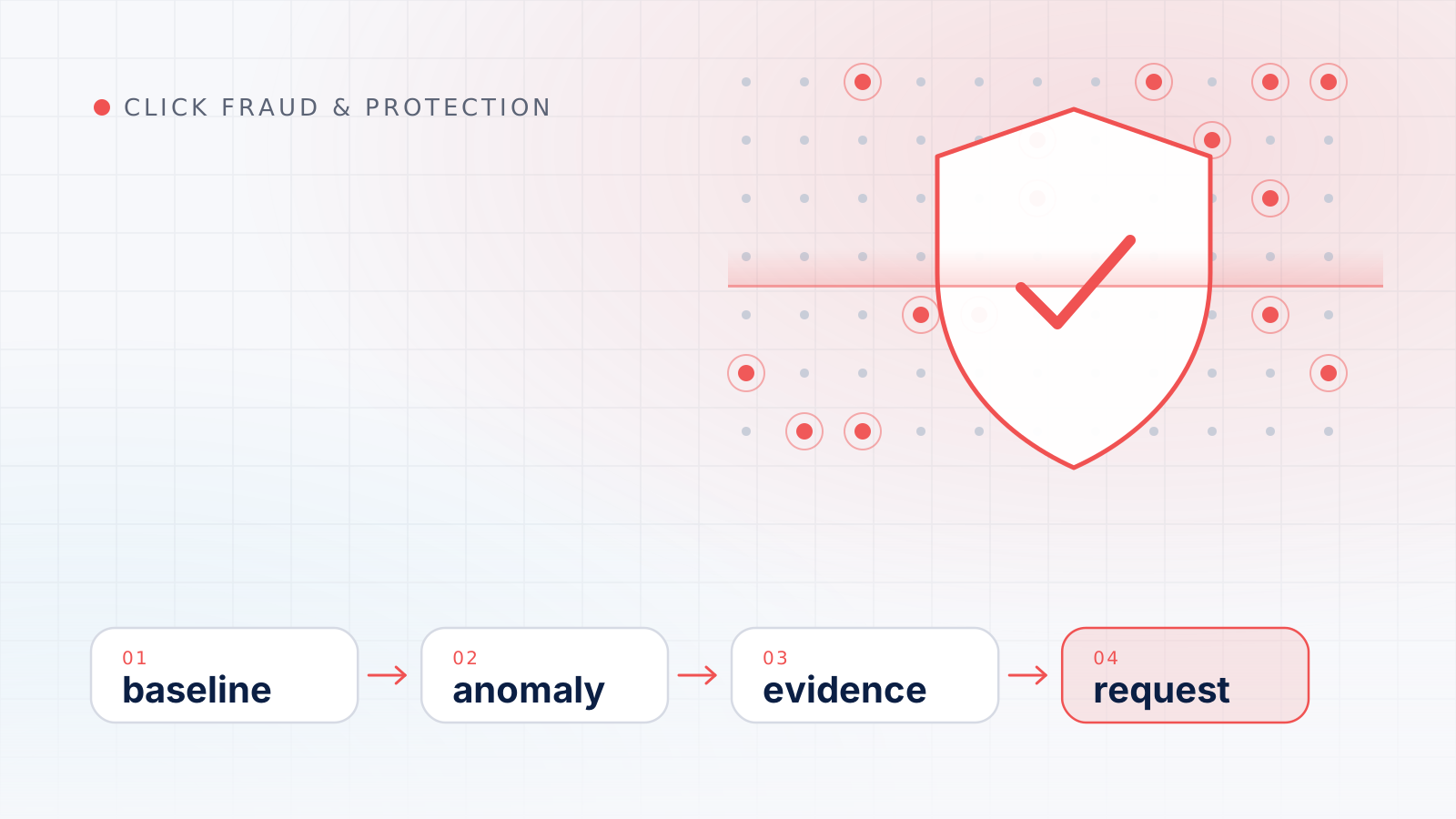
Click fraud detection is the work of spotting paid clicks that were not made by people with a genuine interest in your business, and then gathering enough evidence to tell deliberate abuse apart from ordinary noise. In practice it means comparing current traffic with a reliable baseline, ruling out innocent explanations first, and documenting whatever remains so that Google can review it.
That order matters. Most sudden changes in clicks have mundane causes, such as a settings change, a competitor pausing its ads or a broken tracking tag. This guide covers how click fraud differs from invalid clicks, which suspicious click indicators are worth checking, how to build baselines, where analysis runs out of road, and how to turn a suspicion into a documented case, ending with an illustrative worked example.
Google uses the broader term. Its help center defines invalid clicks as clicks on your ads that don’t represent a genuine interest in your business, and gives three kinds of examples: accidental clicks caused by poor ad placement; clicks from automated tools, bots or other deceptive software; and manual clicks that increase your ad costs or inflate publisher profits.
Click fraud is the deliberate part of that set: someone clicks, or makes software click, with the intent of costing you money or earning money for themselves. An accidental tap on a phone screen is invalid but not fraudulent. The distinction matters for detection because intent is invisible in data. What you can observe is a pattern, and any pattern can have several causes. For a closer look at who commits deliberate abuse on Google’s network and why, see our guide to click fraud on Google Ads.
The measurement industry draws a related line. When the Media Rating Council (MRC) finalized its invalid traffic guidelines in 2015, it separated two categories:
The practical lesson is that routine filtering is built to catch the easy cases. Whatever survives into your reports tends to be either harmless or genuinely hard to prove, so method matters more than instinct.
Before treating any click as suspect, remember that the numbers in your account have already passed through Google’s systems. Google says its ad traffic quality team uses automated filters, machine learning and manual reviews to detect and filter invalid traffic. Activity identified before the billing cycle closes is removed from your billing and campaign metrics. Activity found later is credited where appropriate and possible, and those credits appear as “Invalid activity” adjustments under Billing > Summary.
Three consequences follow:
For background, see how Google Ads counts and bills clicks and our explainer on how Google filters and credits invalid clicks. For detection, the point is simple: examine what remains after Google’s filtering, not what it already removed.
No single indicator proves fraud. Each pattern below has ordinary explanations, and the useful signal is usually a cluster of indicators that point the same way and cannot be explained by anything you or the market changed.
| Indicator | What it looks like | Common innocent explanation | What to check next |
|---|---|---|---|
| Clicks or CTR jump without matching impressions | Clicks rise sharply while impressions stay flat | New ad copy, a better position, news coverage, a competitor pausing | Change history, search terms, auction conditions |
| Narrow time windows | A large share of the day’s clicks lands within an hour or two | A broadcast mention, an email send, a time-zone mix-up | Hour-of-day segment in the account time zone |
| Out-of-area locations | Clicks attributed to places you do not serve | The default location option, travelers, VPN users | Location option, location data |
| Concentrated networks or placements | Most of the anomaly comes from one network, site or app | A newly enabled network or expansion setting | Network segment, placement data |
| Zero-engagement sessions | Paid sessions with no scrolling, clicks or second page | Measurement gaps, slow pages, declined consent | Engagement metrics, page speed, server logs |
| Junk form submissions | Gibberish names, disposable addresses, repeated details | Spam bots that find the form directly, not via ads | Click identifier on the lead, submission timing |
| Unusual device or browser mix | A surge from one device type, outdated browser versions or rare screen sizes | A new device bid adjustment, an app placement | Device segment, analytics technology reports |
A jump in click-through rate with flat impressions means a larger share of the people who saw the ad clicked it. That can be good news: a sharper headline, a promotion, or a rival that stopped bidding. It becomes interesting when nothing in your change history or the market explains it and the extra clicks show none of the behavior your real visitors show.
Out-of-area clicks are among the most common reasons advertisers suspect fraud, and among the most often misread. Google explains that with the default location option, ads can reach people who have shown interest in your targeted locations, not only people physically there, and that with country-level targeting, ads may show to people searching on that country’s Google domain even if their IP addresses are outside the selected area. Check the location option before reading anything into a map. Our guide to segment-level ad traffic analysis shows how to fold location into a routine quality review.
Engagement is where invalid traffic often gives itself away, because automated or indifferent clicks rarely behave like prospects once they land. Google Analytics 4 counts a session as engaged when it lasts longer than 10 seconds, has a key event, or has two or more page or screen views. A paid segment whose share of engaged sessions collapses while organic traffic holds steady deserves attention.
For leads, check whether contact details are real and whether any become customers. If you store the click identifier with each lead, junk leads that trace back to ad clicks point toward the ads, while junk leads without one suggest the form itself is being targeted.
A spike only means something relative to normal, and normal differs across campaigns, devices, hours and places. Build baselines before you need them.
Google Ads lets you segment table data by time, including hour of day and day of the week; by device, covering computers, mobile phones, tablets and TV screens; and by network, which separates Google Search, search partners and the Display Network. Those segments are the backbone of a useful baseline:
Record the typical daily or hourly range for each segment over several comparable weeks, rather than a single average, and flag values well outside it. Allow for seasonality by comparing with the same period in earlier years, and mark promotions, launches and holidays on your timeline.
Then reconcile every anomaly with what changed. Google Ads change history lists changes made to your account, campaigns and ad groups during the past two years and can be filtered by date range, type of change, campaign or ad group. A bid strategy switch, a new broad-match keyword or a widened location target explains far more “suspicious” spikes than fraud does. If the change is sudden and affects the whole account, a structured Google Ads performance investigation is a better starting point than a fraud hunt.
Good click fraud detection is honest about its blind spots. Several limits apply to every advertiser.
Google Ads reports are aggregated. They show clicks by campaign, keyword, device, location and time, but not the IP address or identity behind each click. Visitor-level details come only from your own website and server records, which is why Google asks for server logs when you request an investigation.
IP addresses are not people. Google points out that an IP address isn’t always unique to one device: universities, offices, coffee shops and mobile carriers commonly use network address translation, which allows hundreds or thousands of devices to share one public IP address. Repeated clicks from one address can be one person or an entire building. VPNs and privacy relays add another layer, because the address you see belongs to the exit point rather than the person.
Clicks and sessions measure different things. Google lists many reasons the two diverge: two clicks within 30 minutes can count as one session, redirects can strip the click identifier, visitors may leave before the tracking code runs, and some browser settings prevent measurement. Analytics also reports visits from clicks that Google Ads filtered as invalid. A gap between clicks and sessions is normal; a sudden change in that gap is what deserves attention.
Consent and blocking create holes. Visitors who decline analytics or block scripts may be partly or wholly invisible in analytics, so “no engagement” can sometimes mean “not measured”.
Correlation is not causation. Clicks rising the week after a dispute with a competitor may be coincidence. Treat such links as hypotheses to test, never as conclusions.
When an anomaly survives the baseline check, work through it in order. Skipping steps is how false accusations and wasted effort happen.
Most outside monitoring services work in similar ways: a script on your website records each visit that arrives from an ad, a scoring model flags visits that look automated or repetitive, and some services then add exclusions to your campaigns. They can add useful visit-level detail, but they share structural limits.
Questions worth asking any vendor:
A service that cannot answer these clearly is offering reassurance rather than evidence.
The following scenario is hypothetical and uses round numbers to show the method, not to describe a real account.
Imagine a home-services company whose Search campaign, over the previous eight comparable weeks, received between 80 and 120 clicks a day at a fairly steady click-through rate. One Tuesday the campaign records 300 clicks while impressions stay within their usual range.
Now change one detail. Suppose the same burst had arrived at 19:00, on the evening a local television segment mentioned the company, with normal engagement and several phone calls. The method would stop at the second step, with no case to make. A disciplined process protects you both from ignoring real abuse and from chasing ordinary demand.
Keep reading
Click fraud
A single odd visit proves very little. Learn to examine individual paid sessions, separate real warning signs from harmless quirks and decide when to escalate.
Google Ads
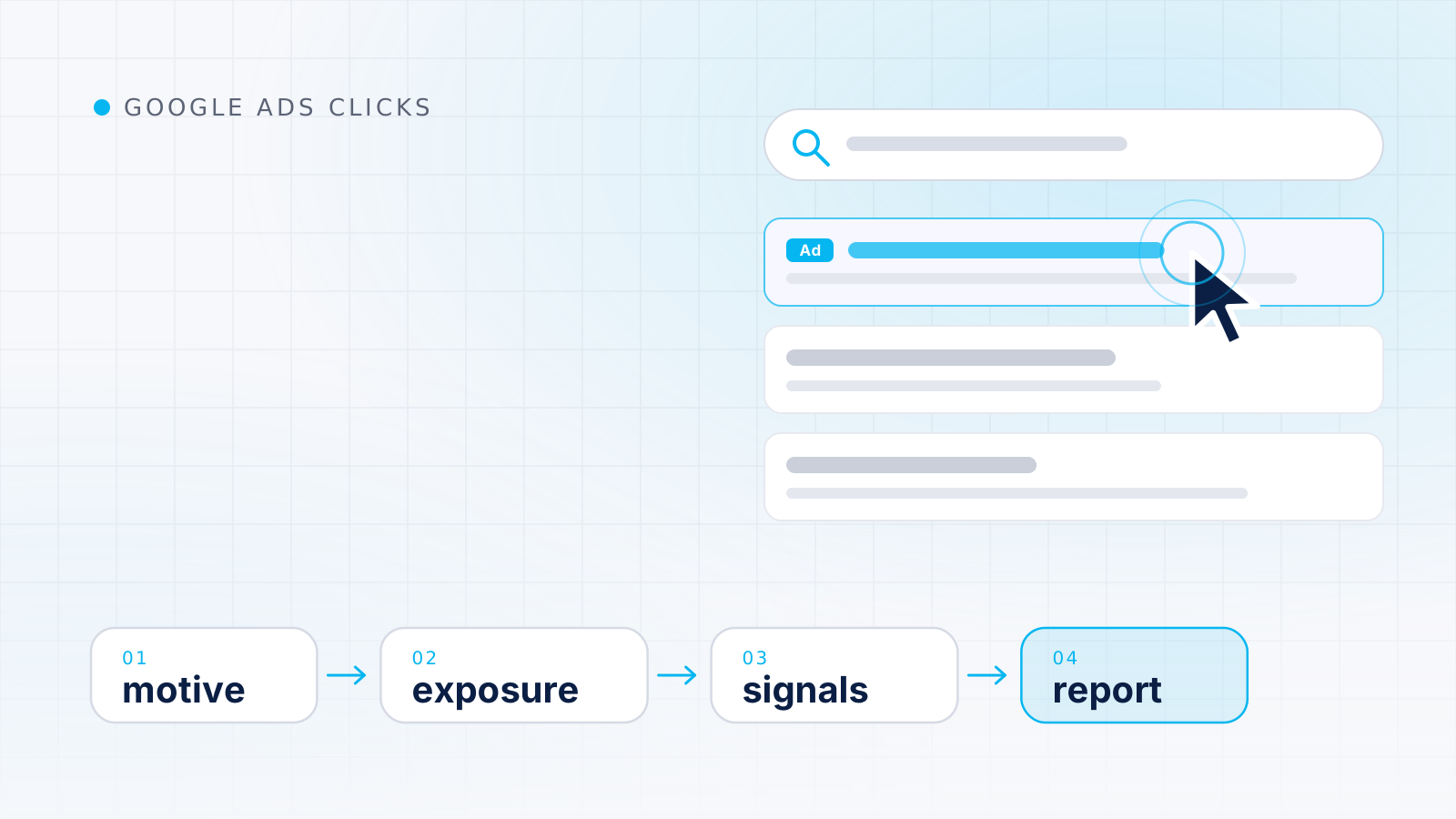
Click fraud is the deliberate part of invalid traffic. Learn who is behind it, how exposure differs by network and how to report a case to Google without overreacting.
Click fraud
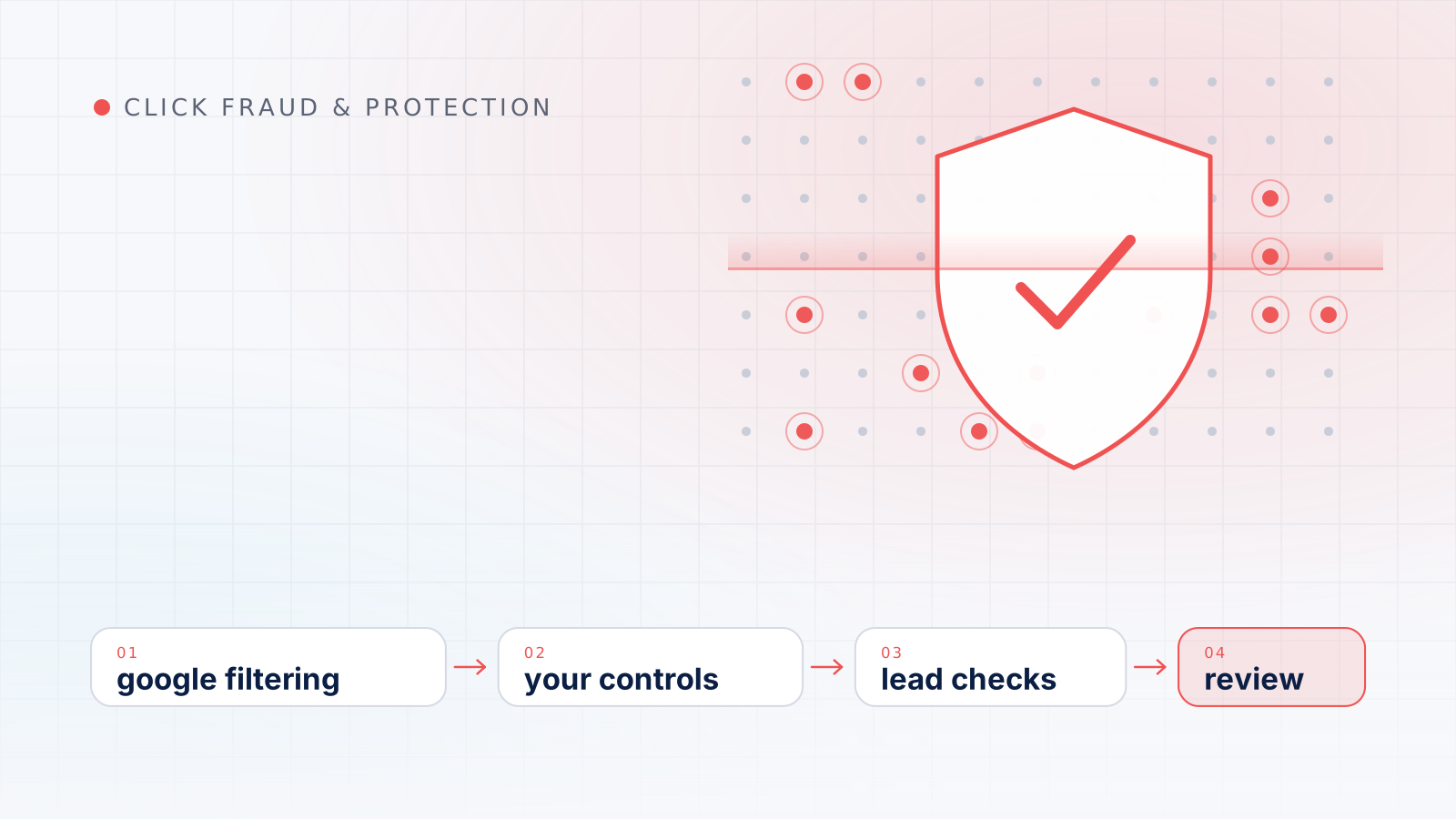
No setting makes a campaign immune to bad clicks. See how Google's filtering, your own campaign controls and outside tools fit together, and where each one stops working.