
Click fraud
Suspicious Ad Sessions: How to Read Them Without Jumping to Conclusions
A single odd visit proves very little. Learn to examine individual paid sessions, separate real warning signs from harmless quirks and decide when to escalate.
A practical method for spotting non-human sessions: built-in filtering, analytics anomalies, server-log evidence, crawler verification and the limits of each signal.
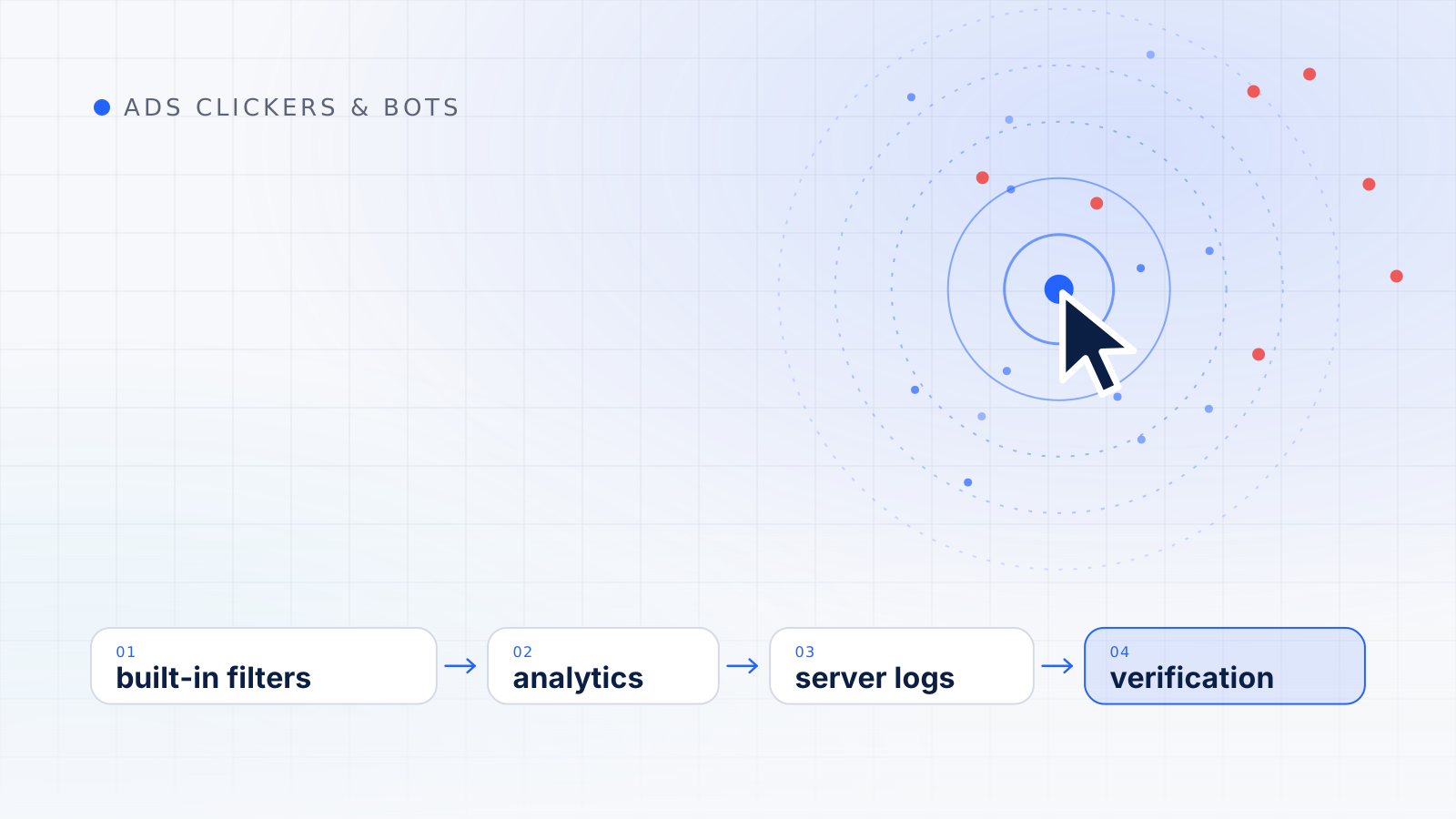
Bot traffic detection is the work of identifying website visits that come from software rather than people, using analytics data, server logs and verification checks. No single signal proves that a visit is a bot; reliable detection combines several weak signals and rules out ordinary explanations before reaching a conclusion.
For advertisers this matters twice over. Bots distort the analytics used to judge campaigns, and some of them are aimed squarely at ads. This guide covers bot categories, what Google Analytics 4 already filters, signals in analytics and server logs, crawler verification, where CDN or firewall bot management and CAPTCHA fit, and the false positives that keep an investigation honest, ending with a step-by-step review routine.
Not every bot is a problem, and treating them all alike leads to blocked crawlers. A rough classification helps:
| Category | Examples | Usually declares itself? | Typical concern |
|---|---|---|---|
| Search and ad crawlers | Search indexing, ad landing-page checks | Yes | None if genuine; impostors need verifying |
| Monitoring and SEO tools | Uptime checks, site audits | Usually | Inflated server logs |
| Link previews and security scanners | Chat and social previews, email link scanning | Often | Bursts of hits after a link is shared |
| Scrapers | Price and content copying | Sometimes disguised | Server load, copied content |
| Spam bots | Form spam, referral spam | Rarely | Junk leads, polluted reports |
| Ad fraud bots | Click and impression bots | No | Wasted spend, misleading data |
The industry’s measurement standard draws a similar line. The Media Rating Council (MRC) treats bots, spiders and crawlers that can be caught with lists and routine checks as general invalid traffic, and puts bots and crawlers masquerading as legitimate users, detected only through more sophisticated means, in a separate category. Our map of automated ad traffic explains that taxonomy in full, and the specific case of software built to click ads is covered in our guide to ads clicker bots.
Before you start hunting, it helps to know what has already been removed. In Google Analytics, traffic from known bots and spiders is automatically excluded. Google identifies known bot traffic using its own research together with the International Spiders and Bots List maintained by the Interactive Advertising Bureau, and you cannot disable the exclusion or see how much traffic it removed.
Two consequences follow. The bots you can still see in analytics are mostly ones that did not identify themselves as known bots. And analytics only records visits that run its tag, so many simple bots that fetch a page without executing scripts appear only in server logs. Built-in filtering is a useful floor, not a complete defense.
A sudden rise in sessions with no campaign change, email send, press mention or seasonal reason deserves a closer look, especially if it is concentrated in a single hour, location, landing page or traffic source.
Google Analytics 4 counts a session as engaged if it lasts longer than 10 seconds, has a key event, or has two or more page or screen views. Engagement rate is the percentage of engaged sessions, and bounce rate is the percentage of sessions that were not engaged. Automated sessions are often unengaged, or suspiciously uniform, for example every session viewing exactly one page for almost no time. Plenty of real people also leave quickly, so compare the suspicious segment against your normal distribution rather than against an ideal.
Look at browser, browser version, operating system, screen resolution and language for the suspicious segment. Browser versions far behind current releases, rare screen sizes, language settings that do not fit the location, or a high share of missing values can all point to automation when they cluster together.
Referrers that have nothing to do with your business, often promoting something, and hostname values that are not your own domains suggest data that never came from a real visit to your site.
For ad traffic, compare clicks reported by the ad platform with sessions recorded for the same campaigns. Some gap is normal, and our guide to how a click is tracked from ad to analytics explains why clicks and sessions rarely match. A sudden widening of the gap in one campaign, device or location is the signal worth following up.
| Signal | Where to look | Innocent explanations to rule out |
|---|---|---|
| Traffic spike | Sessions by hour, source and landing page | Campaign launch, newsletter, press coverage |
| Very low engagement | Engagement rate by segment | Wrong landing page, slow site, intent mismatch |
| Odd technology values | Browser, operating system, resolution, language | Corporate standard builds, kiosks, new devices |
| Spam referrers | Session source and referrer | Rarely innocent, but check partner sites |
| Unknown hostnames | Hostname | Staging environments, translation tools, your own subdomains |
Server logs record every request your server answers, whether or not analytics scripts ran, which makes them the better place to see automated traffic.
Declared crawlers name themselves in the user-agent string, and the MRC lists non-browser user-agent headers among routine general invalid traffic checks. But a user agent is self-reported text, so a request claiming to be a well-known crawler is only a claim until it is verified, as described below.
The MRC’s activity-based techniques for general invalid traffic include looking at the speed of transactions, repeat transactions, interval testing and outlier identification. In logs this translates into questions such as: does one source request pages far faster than a person could read them, at strikingly regular intervals, or in a systematic order? Does it request HTML but never the images, stylesheets and scripts a real browser would load? The standard separately lists sessions that cannot render images as a general invalid traffic category.
Requests from consumer internet providers and mobile networks look different from requests from cloud and hosting providers. The MRC treats known invalid data-center traffic as general invalid traffic, but it explicitly excludes routing artifacts of legitimate users, and it notes that the data-center IP list maintained by the Trustworthy Accountability Group (TAG) is limited to addresses where human traffic is not expected and excludes mixed data-center addresses. A cloud address is a reason to look closer, not proof of a bot.
Well-behaved crawlers read robots.txt before crawling, and the MRC lists identifying visitors to robots.txt as part of list-based detection. Remember, though, that Google’s own documentation is clear that robots.txt instructions cannot enforce crawler behavior; it is up to the crawler to obey them. The bots you most need to find ignore it.
Because anyone can claim to be a search or ad crawler, Google documents a way to verify that a request really came from Google:
The same documentation lists Google’s published IP ranges, in JSON files for its common crawlers, special-case crawlers and user-triggered fetchers, as an alternative way to match addresses. This matters for advertisers because Google’s ad crawlers behave differently from its search crawler. Google’s documentation explains that special-case crawlers may ignore robots.txt rules and operate from a different IP range than the common crawlers, and that AdsBot, which checks the ad quality of web pages, ignores the global user-agent group in robots.txt. Verifying before blocking prevents you from shutting out a crawler your campaigns depend on. For other crawler operators, check their own documentation rather than assuming the same domains apply.
Edge bot management. Content delivery networks and web application firewalls can classify requests before they reach your server and then allow, challenge, slow down or block them. Their advantage is visibility across many websites; their drawbacks are scoring you cannot fully inspect and the risk of blocking legitimate crawlers or real visitors unless exceptions are configured carefully.
CAPTCHA and form protection. Challenges work best at high-risk points such as lead forms, sign-ups and logins rather than across a whole site. Google Ads Help points out that its invalid traffic filters run after an ad serves and cannot stop invalid traffic from reaching your site, and it recommends securing lead forms with tools like reCAPTCHA and server-side validation. The MRC also lists properly evaluated CAPTCHA functions among the indirect techniques that sophisticated invalid traffic detection can use. Every challenge adds friction and can create accessibility problems, so use them where the risk justifies the cost.
Blocking or challenging traffic on your site does not change what an ad platform bills you. Google filters invalid clicks and credits invalid activity separately; our guide to Google Ads invalid clicks explains how.
Most signals above can have innocent explanations. Some of the most common are:
The MRC standard makes the same point for professional measurers. It cautions against invalidating traffic that has missing information because of privacy constraints without direct invalid-traffic signals, and says such traffic should be treated as unmeasurable rather than assumed valid or invalid. Correlation in a report is not proof of cause either.
When a pattern survives these checks, read individual sessions carefully, as our guide to suspicious ad sessions explains, and if paid clicks are involved, build a documented case using our method for click fraud detection. Bots are only one part of the picture; our guide to what people mean by an ads clicker also covers human click schemes.
Keep reading
Click fraud
A single odd visit proves very little. Learn to examine individual paid sessions, separate real warning signs from harmless quirks and decide when to escalate.
Ads clickers
Not every non-human visit is fraud. This taxonomy covers crawlers, prefetching, verification tools and sophisticated invalid traffic, and what each means for advertisers.
Click fraud
Suspicious clicks are easy to suspect and hard to prove. Learn to compare traffic with baselines, rule out ordinary causes and document a case Google can review.